Product Comparisons
Side-by-side dealbreaker comparisons. See which products have fewer reported issues, better longevity, and fewer reasons to regret your purchase.
53 comparisons available
Microphones
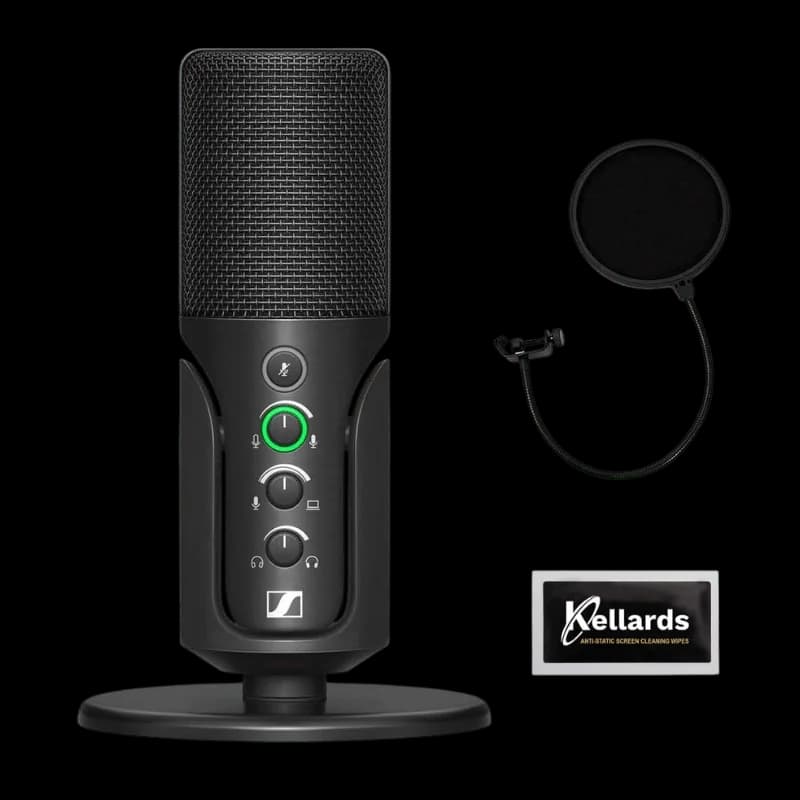
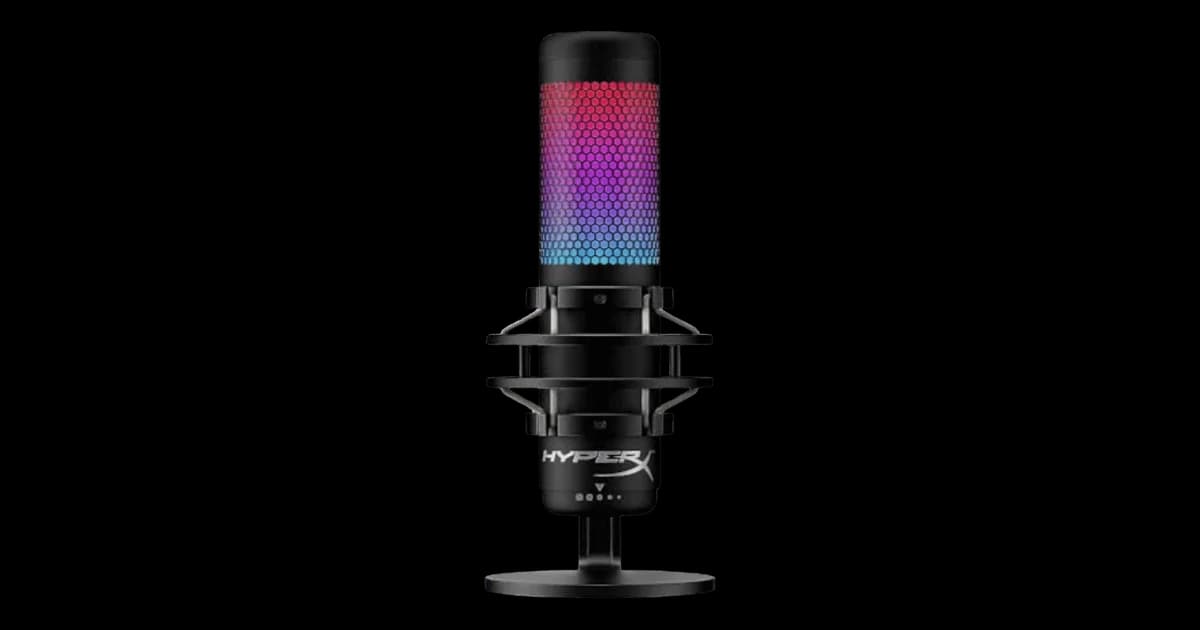
Sennheiser Profile USB MicrophonevsHyperX QuadCast S
8/10
vs7/10
The Sennheiser Profile USB Microphone suffers from critical flaws like excessive background noise and static in the headphone output, making it unreliable for clear recordings. The HyperX QuadCast S, while overpriced, has fewer functional dealbreakers but still struggles with noise isolation and fragile hardware. If you prioritize audio quality over aesthetics, neither is ideal, but the HyperX is the lesser evil. Avoid the Sennheiser unless you can tolerate constant interference.
HyperX QuadCast SRead more
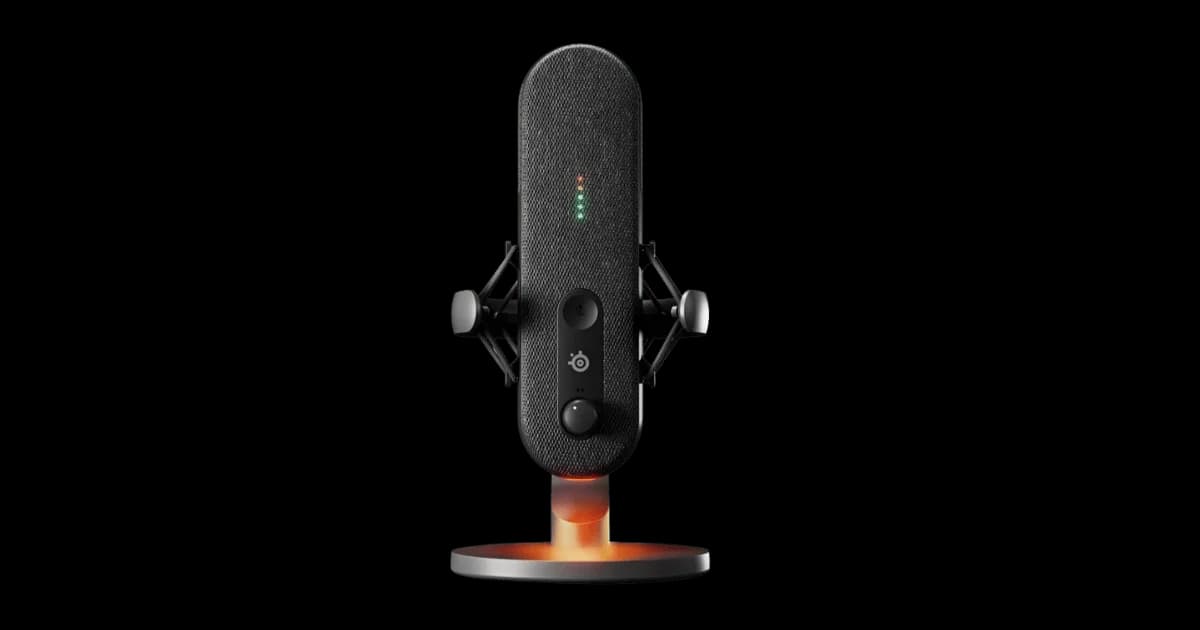
SteelSeries AliasvsSennheiser Profile USB Microphone
8/10
vs8/10
Both the SteelSeries Alias and Sennheiser Profile USB Microphone have glaring flaws, but the Alias's dealbreakers are slightly less catastrophic. While its AI noise cancellation fails and Mac incompatibility are major drawbacks, the Sennheiser's unstable stand, static-filled monitoring, and poor noise rejection make it nearly unusable for critical recording. If you're on Windows and can tolerate occasional voice cutouts, the Alias is the lesser evil. Avoid both if you need reliability, but the Alias edges out as the less broken option.
SteelSeries AliasRead more
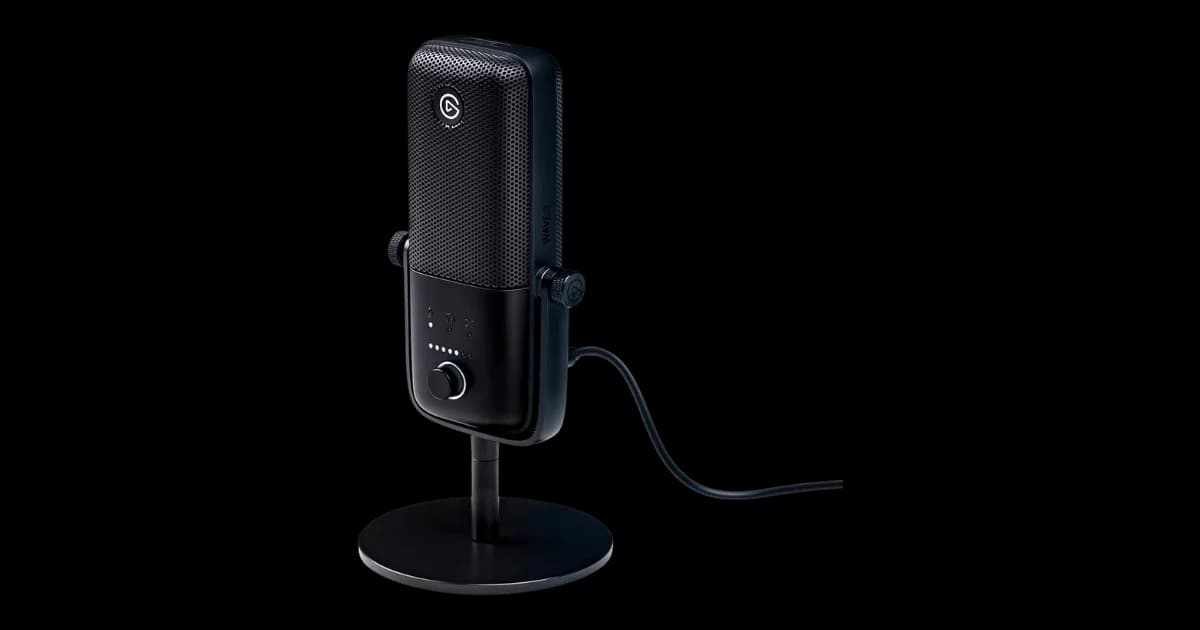
Elgato Wave:3vsSennheiser Profile USB Microphone
8/10
vs8/10
Both the Elgato Wave:3 and Sennheiser Profile USB Microphone have high-risk dealbreakers, but the Phantom Touch Mute and Software Conflicts on the Wave:3 make it a frustrating choice for streamers. The Sennheiser Profile, while plagued by Excessive Background Noise and an Unstable Stand, offers slightly better usability for casual setups. If you prioritize stability and noise isolation, neither is ideal, but the Sennheiser Profile edges out slightly for general use.
Sennheiser Profile USB MicrophoneRead more
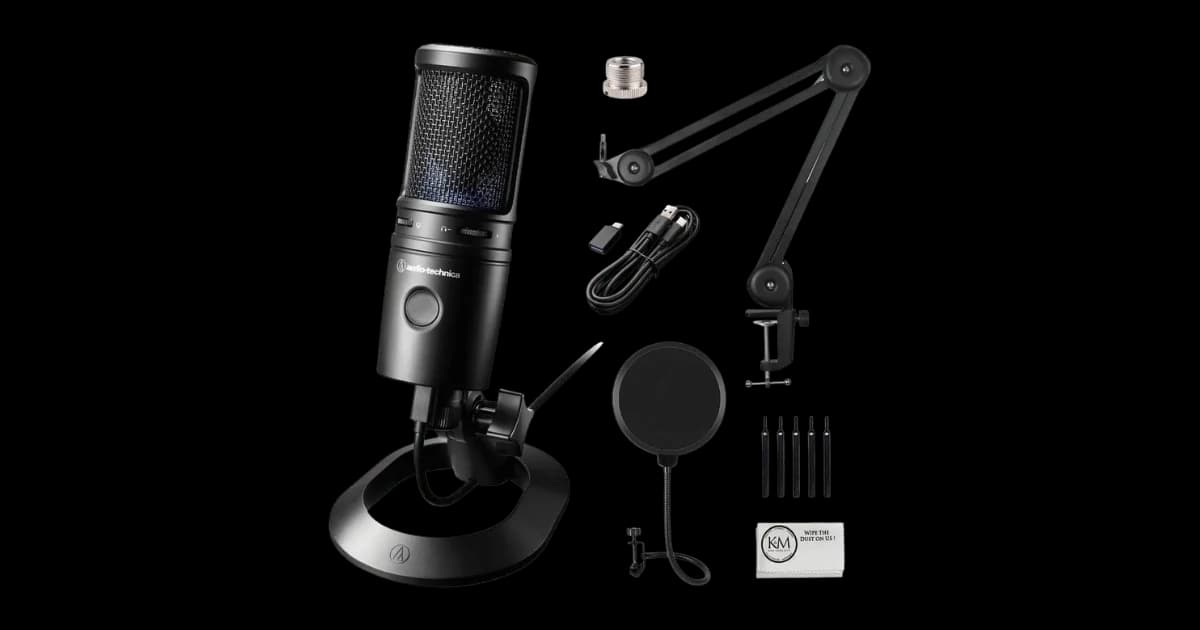
Audio-Technica AT2020USB-XvsSennheiser Profile USB Microphone
7/10
vs8/10
Both the Audio-Technica AT2020USB-X and Sennheiser Profile USB Microphone have significant flaws, but the AT2020USB-X edges out slightly due to its less critical dealbreakers. While the AT2020USB-X suffers from finicky controls and noise sensitivity, the Sennheiser Profile's unstable stand, static in the headphone output, and poor noise isolation make it a worse choice overall. If you must choose, the AT2020USB-X is the lesser of two evils, but neither is ideal for untreated recording environments or professional use.
Audio-Technica AT2020USB-XRead more
Audio-Technica AT2020USB-XvsElgato Wave:3
7/10
vs8/10
The Audio-Technica AT2020USB-X suffers from frustrating touch controls and poor noise handling, making it unsuitable for untreated spaces or voiceover work. The Elgato Wave:3, while plagued by phantom touch issues and software conflicts, offers better integration for streamers already in Elgato's ecosystem. If you prioritize reliable mute functionality and noise isolation, neither mic excels, but the Wave:3's streaming-focused features give it a slight edge. For most users, we recommend waiting for better options unless you're deeply invested in Elgato's ecosystem.
Elgato Wave:3Read more
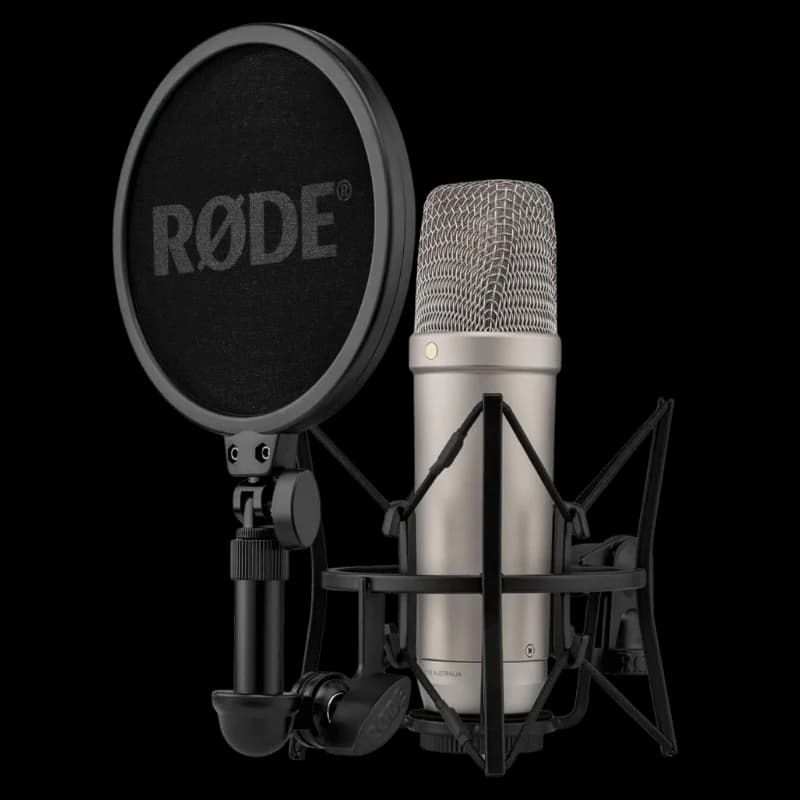
Rode NT1 5th GenerationvsAudio-Technica AT2020USB-X
8/10
vs7/10
Both the Rode NT1 5th Generation and Audio-Technica AT2020USB-X suffer from significant flaws, but the dealbreakers differ. The Rode NT1 struggles with connectivity issues (USB and XLR) and durability problems, making it unreliable for professional use. The Audio-Technica AT2020USB-X, while cheaper, is plagued by poor noise handling, buggy software, and frustrating touch controls. If you prioritize durability and connectivity, neither is ideal, but the Audio-Technica edges out slightly due to its lower price and fewer critical hardware failures.
Audio-Technica AT2020USB-XRead more
Audio-Technica AT2020USB-XvsSteelSeries Alias
7/10
vs8/10
Both mics disappoint, but the Alias's broken noise cancellation and platform-locked features make it the worse choice. While the AT2020USB-X has frustrating touch controls and noise sensitivity, its dealbreakers are slightly less catastrophic than the Alias's AI failures and Mac incompatibility. Only consider the AT2020USB-X if you can tolerate its quirks and avoid the Alias entirely unless SteelSeries fixes its software.
Audio-Technica AT2020USB-XRead more
SteelSeries AliasvsHyperX QuadCast S
8/10
vs7/10
The SteelSeries Alias suffers from critical AI noise cancellation failures and Mac incompatibility, making it unreliable for professional use. The HyperX QuadCast S has worse noise isolation and build quality issues, but its lower price and Windows compatibility make it slightly more tolerable. If you must choose, go with the QuadCast S - just disable RGB and baby the USB port. Neither is ideal for serious creators.
HyperX QuadCast SRead more
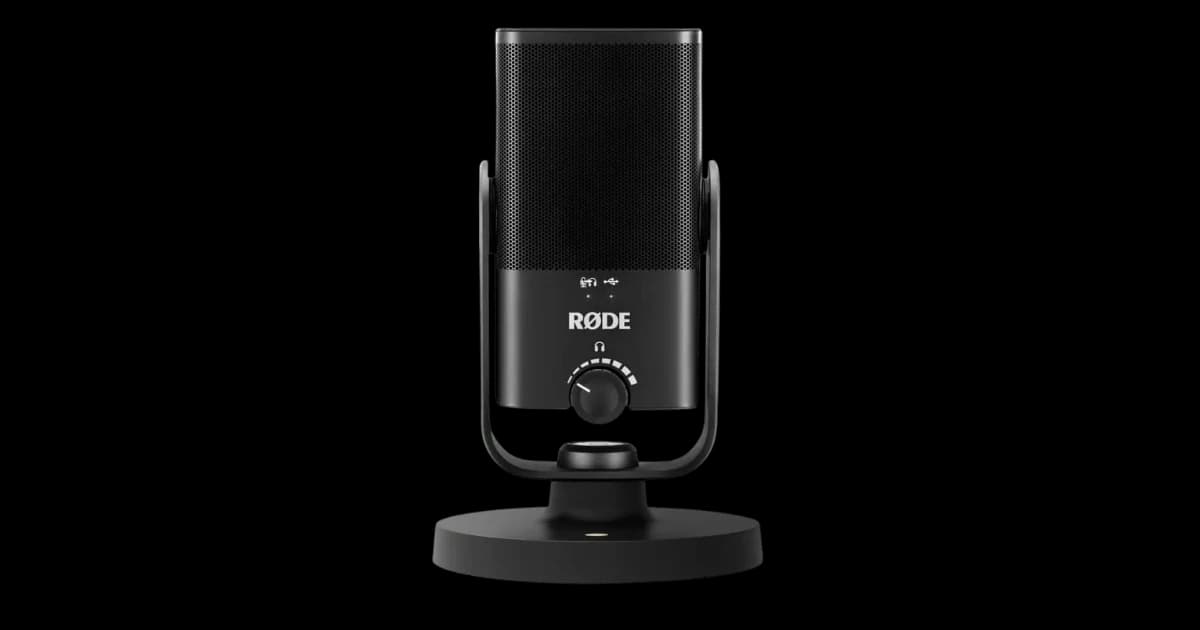
HyperX QuadCast SvsRode NT-USB Mini
7/10
vs8/10
Both the HyperX QuadCast S and Rode NT-USB Mini suffer from significant flaws, but the HyperX edges out slightly due to its lower risk score and fewer critical dealbreakers. The Rode's vibration noise, latency issues, and thin sound are particularly problematic for clean recordings, while the HyperX's noise leak and fragile USB-C port are major concerns for active setups. If you prioritize RGB aesthetics and can tolerate software bloat, the HyperX is the better choice. Otherwise, neither mic is a standout option.
HyperX QuadCast SRead more
HyperX QuadCast SvsElgato Wave:3
7/10
vs8/10
Both the HyperX QuadCast S and Elgato Wave:3 suffer from significant dealbreakers, but the QuadCast S's fragile USB-C port and poor noise isolation make it a riskier choice for frequent movers or those needing clean audio. The Wave:3's phantom touch mute and software conflicts are frustrating, but it’s slightly more reliable in a controlled environment. If you must choose, go with the Elgato Wave:3, but only if you can manage its quirks.
Elgato Wave:3Read more
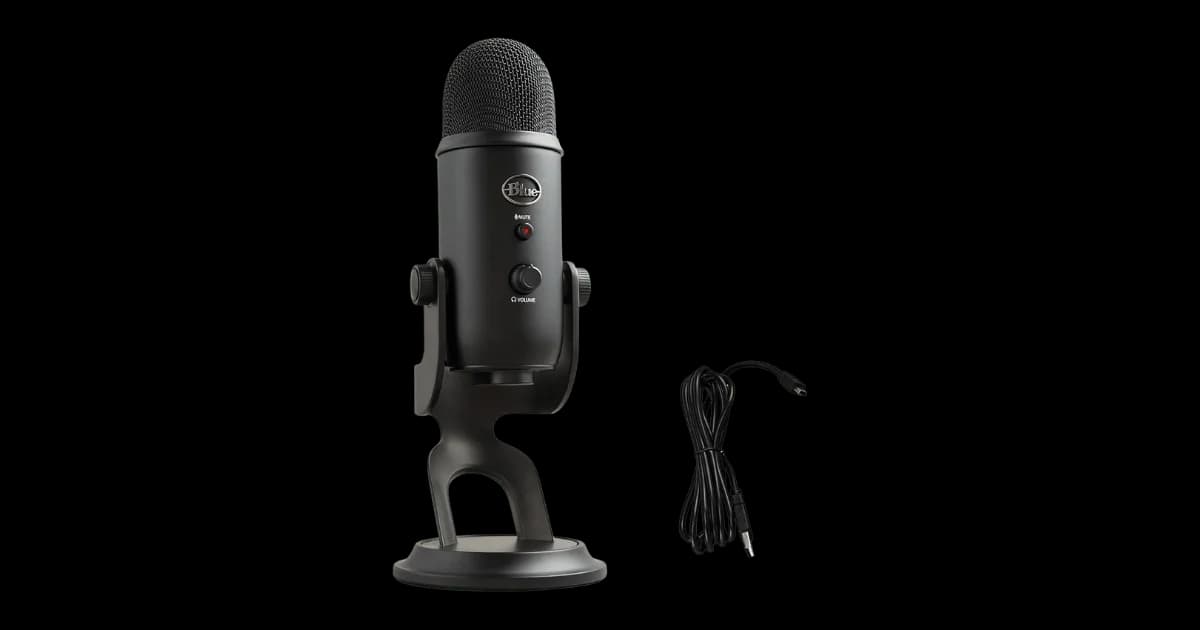
HyperX QuadCast SvsBlue Yeti USB Microphone
7/10
vs8/10
Both the HyperX QuadCast S and Blue Yeti suffer from poor noise isolation, but the QuadCast S's USB-C fragility and RGB reflection issues make it worse for streamers or those who move their setup often. The Yeti's outdated Micro-USB and lack of software control are frustrating, but its vibration issues are less catastrophic than the QuadCast's wobbling port. If you must choose, the Yeti is the lesser evil - just pair it with a shock mount. Otherwise, avoid both and look for alternatives.
Blue Yeti USB MicrophoneRead more
Rode NT-USB MinivsElgato Wave:3
8/10
vs8/10
Both the Rode NT-USB Mini and Elgato Wave:3 have significant dealbreakers, but the choice depends on your use case. If you need clean recordings and real-time monitoring, the NT-USB Mini's vibration noise and latency issues are major drawbacks. However, if you’re a streamer, the Wave:3’s phantom touch muting and software conflicts are equally frustrating. For most users, the NT-USB Mini edges out slightly due to its simplicity, despite its flaws.
Rode NT-USB MiniRead more
Rode NT-USB MinivsBlue Yeti USB Microphone
8/10
vs8/10
Both the Rode NT-USB Mini and Blue Yeti suffer from critical flaws, but the Yeti's terrible noise isolation and lack of software control make it the worse choice for most users. The Rode's thin sound and latency issues are problematic, but its superior noise rejection gives it a slight edge if you need cleaner recordings. Neither is ideal, but if you must choose, the Rode is the lesser of two evils for voice work in quiet environments. Avoid both if you need professional-grade audio or real-time monitoring.
Rode NT-USB MiniRead more
Elgato Wave:3vsBlue Yeti USB Microphone
8/10
vs8/10
Both the Elgato Wave:3 and Blue Yeti USB Microphone come with significant flaws, but the Yeti's dealbreakers are harder to overlook. While the Wave:3 suffers from phantom touch issues and software conflicts, the Yeti's terrible noise isolation and lack of software control make it a poor choice for modern streamers. If you can tolerate occasional accidental muting and software headaches, the Wave:3 is the better option. Otherwise, consider looking beyond these two mics altogether.
Elgato Wave:3Read more
SteelSeries AliasvsRode NT-USB Mini
8/10
vs8/10
Both the SteelSeries Alias and Rode NT-USB Mini have glaring flaws, but the Alias's dealbreakers are more situational. If you're on Mac or need reliable noise cancellation, the Alias is a non-starter. The Rode NT-USB Mini, however, fails at its core job—clean recordings—due to vibration noise and thin sound. Neither is ideal, but the Alias is marginally better for Windows users who can tolerate its software bloat. Avoid both if your needs align with their dealbreakers.
SteelSeries AliasRead more
SteelSeries AliasvsElgato Wave:3
8/10
vs8/10
Both the SteelSeries Alias and Elgato Wave:3 have significant flaws, but their dealbreakers cater to different audiences. The Alias’s broken AI noise cancellation and Mac incompatibility make it a poor choice for Mac users or those needing reliable voice filtering. The Wave:3’s phantom touch mute and software conflicts are major issues for streamers, but it’s slightly cheaper and avoids the Alias’s power-hungry OLED screen. If you’re a Mac user or prioritize noise cancellation, avoid the Alias. For streamers, the Wave:3 is the slightly better option, though neither is ideal.
Elgato Wave:3Read more
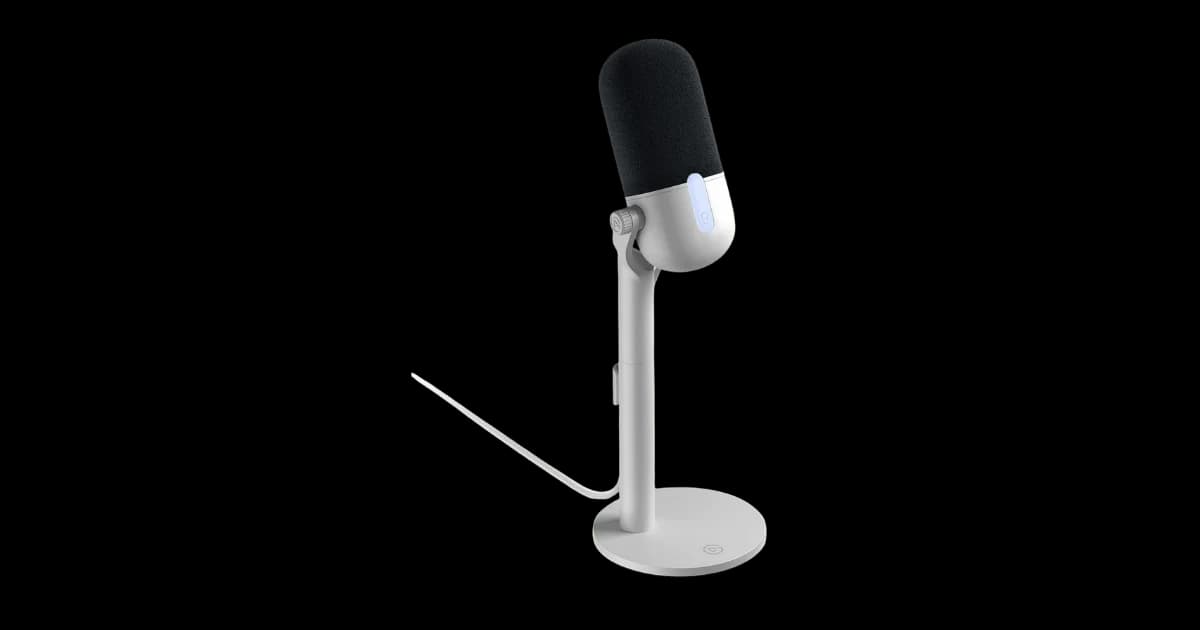
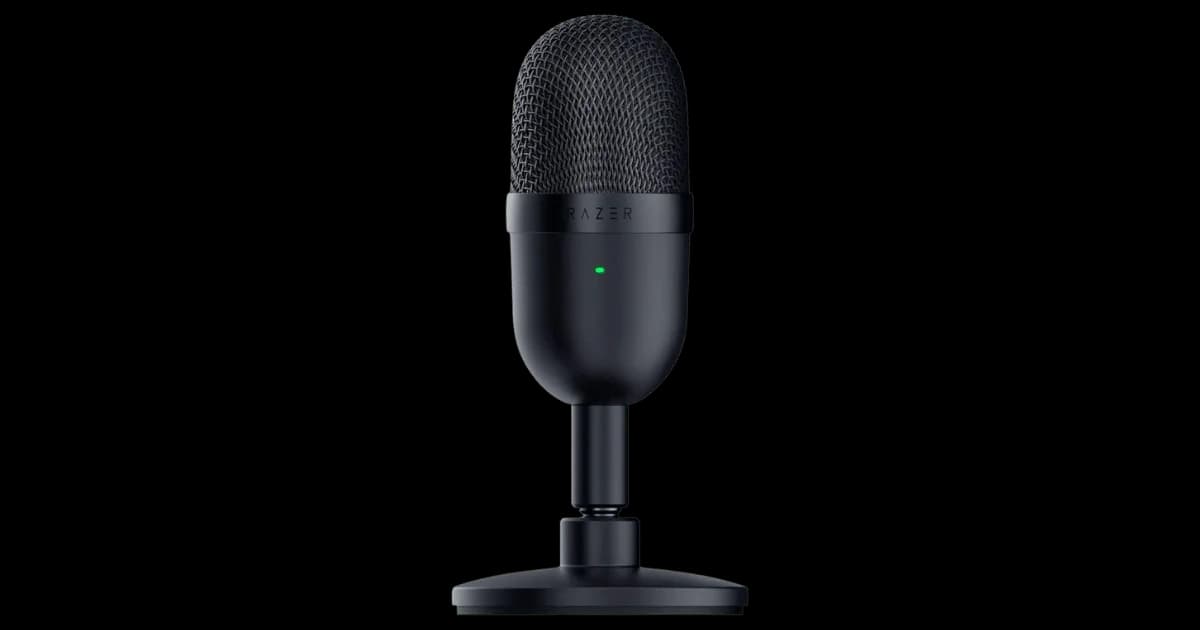
Elgato Wave NeovsRazer Seiren Mini
6/10
vs7/10
Both the Elgato Wave Neo and Razer Seiren Mini have significant flaws, but the Wave Neo edges out slightly due to fewer critical dealbreakers. The Seiren Mini's unforgiving pickup pattern and lack of a monitoring jack make it impractical for most users, while the Wave Neo's software-locked controls and weak low-end are more manageable. If you need a budget mic and can tolerate software reliance, the Wave Neo is the better choice.
Elgato Wave NeoRead more
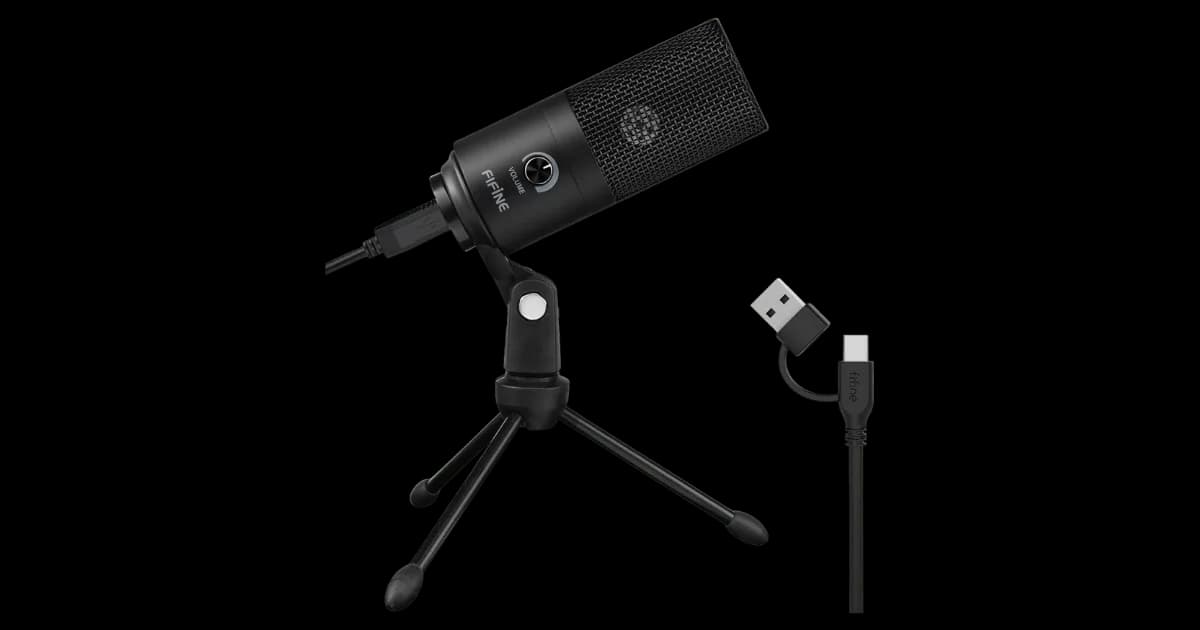
Razer Seiren MinivsFIFINE K669B
7/10
vs8/10
Both the Razer Seiren Mini and FIFINE K669B have significant dealbreakers, but the Razer edges out slightly due to its USB-C compatibility and slightly better build quality. The FIFINE's obsolete USB-A port and tendency to pick up ambient noise make it a poor choice for modern setups or noisy environments. However, the Razer's unforgiving pickup pattern and lack of monitoring jack are still major drawbacks. If you must choose, go with the Razer Seiren Mini for its marginally better performance.
Razer Seiren MiniRead more
Smartwatches
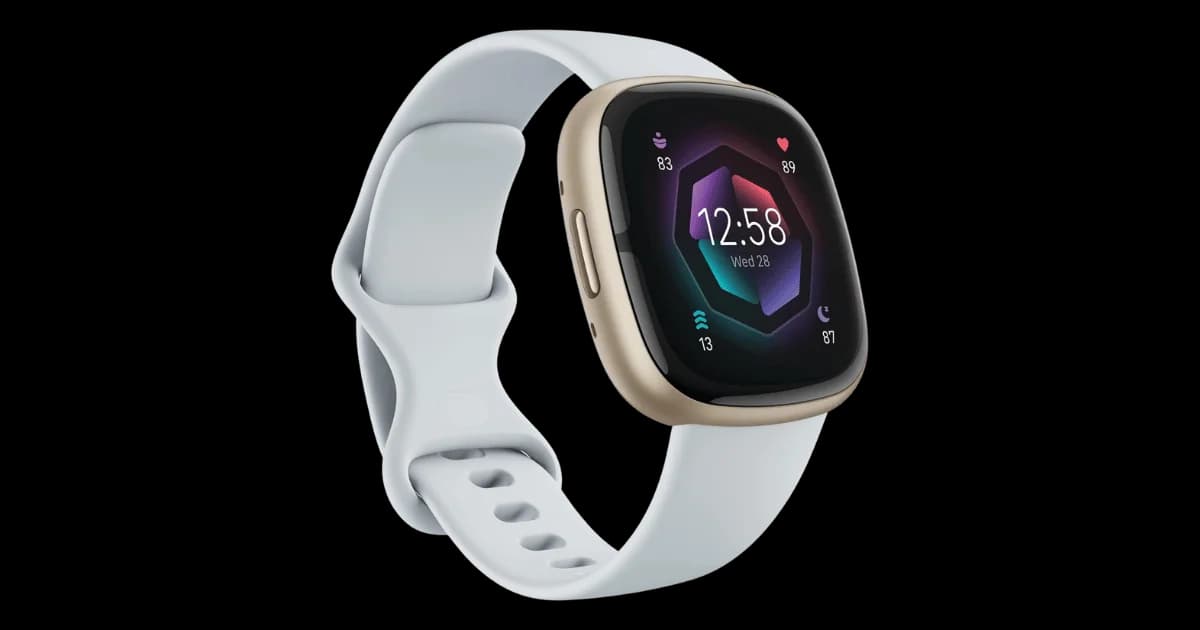
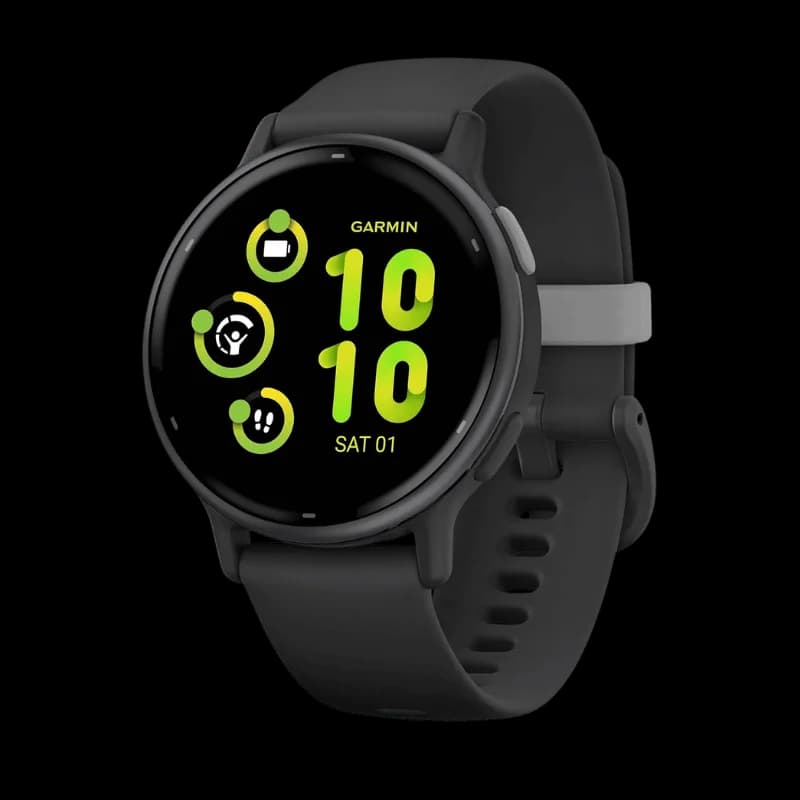
Fitbit Sense 2vsGarmin Vívoactive 5
9/10
vs9/10
Both the Fitbit Sense 2 and Garmin Vívoactive 5 suffer from major flaws, but the Fitbit's dealbreakers are slightly less disruptive. The Garmin's unresponsive touchscreen, erratic heart rate tracking, and rapid battery degradation make it frustrating to use daily, while the Fitbit's issues revolve around its dying ecosystem and paywalled features. If you can tolerate Google's neglect of Fitbit OS and don't mind paying for Premium, the Sense 2 is the lesser evil. Otherwise, avoid both and look elsewhere.
Fitbit Sense 2Read more
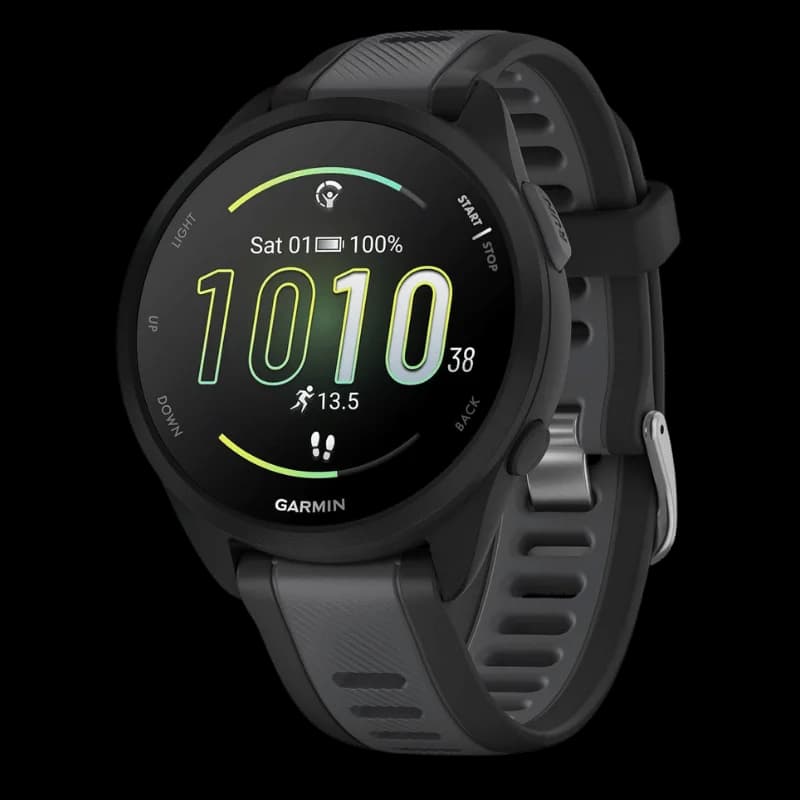
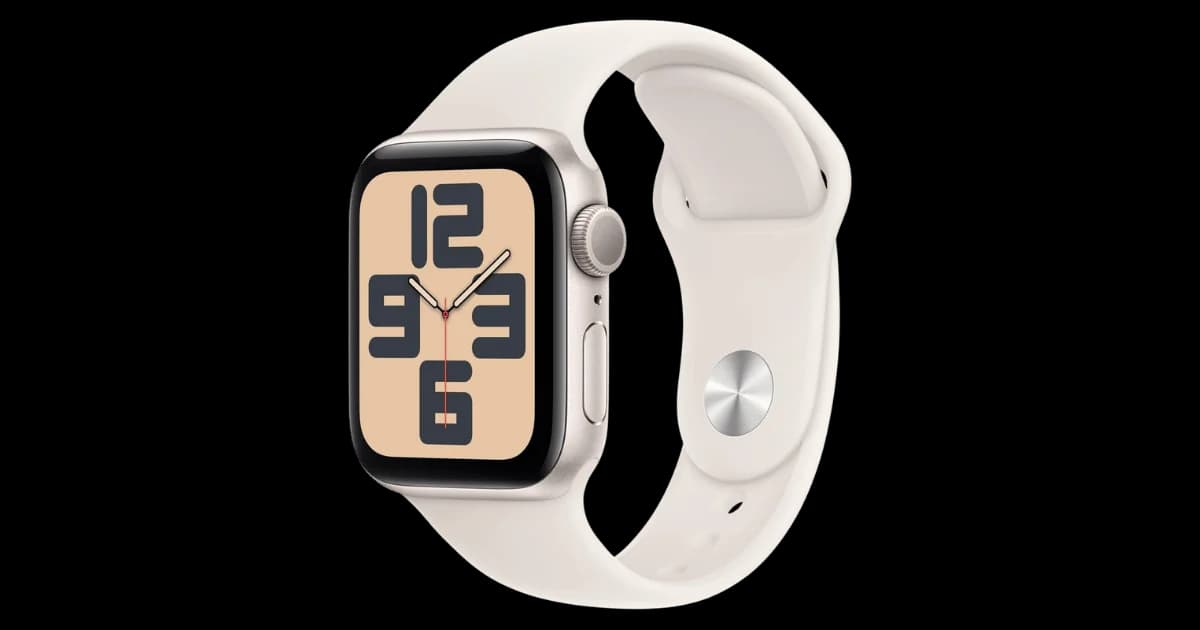
Garmin Forerunner 165vsApple Watch SE (2nd Gen)
7/10
vs8/10
Both the Garmin Forerunner 165 and Apple Watch SE (2nd Gen) have significant dealbreakers, but the Apple Watch SE edges out slightly due to its lower price and fewer critical flaws. The Garmin’s faulty GPS and heart rate monitor inaccuracies make it unreliable for serious fitness tracking, while the Apple Watch’s missing health sensors and lack of always-on display feel outdated. If you prioritize affordability and general smartwatch functionality over advanced fitness tracking, the Apple Watch SE is the better choice.
Apple Watch SE (2nd Gen)Read more
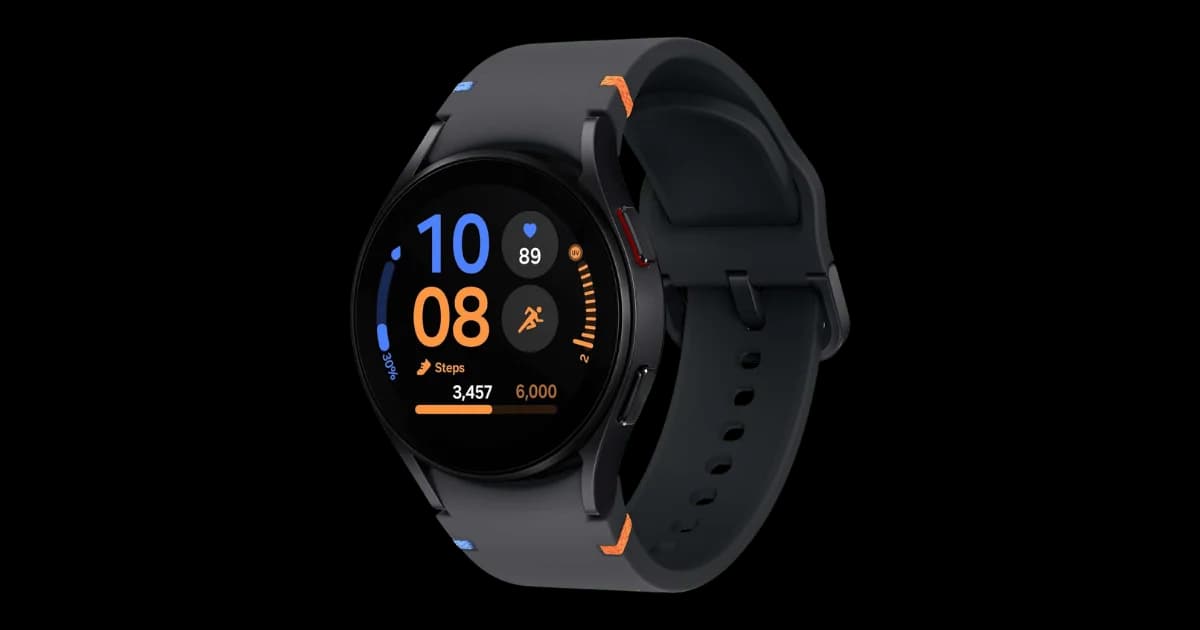
Garmin Forerunner 165vsSamsung Galaxy Watch FE
7/10
vs8/10
The Garmin Forerunner 165 fails runners with unreliable GPS and heart rate tracking, while the Samsung Galaxy Watch FE disappoints with outdated hardware and inaccurate health metrics. If you prioritize fitness accuracy, both watches have critical flaws, but the Galaxy Watch FE at least offers better smartwatch features for the price. Neither is ideal, but the Galaxy Watch FE is the lesser evil for casual users who can overlook its performance issues.
Samsung Galaxy Watch FERead more
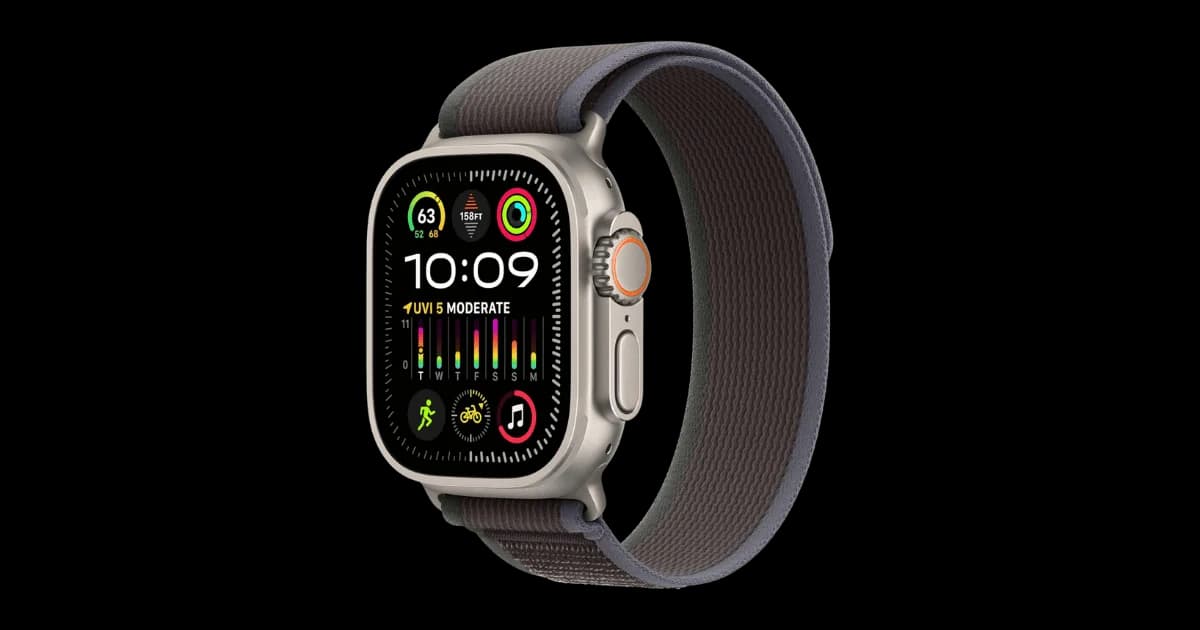
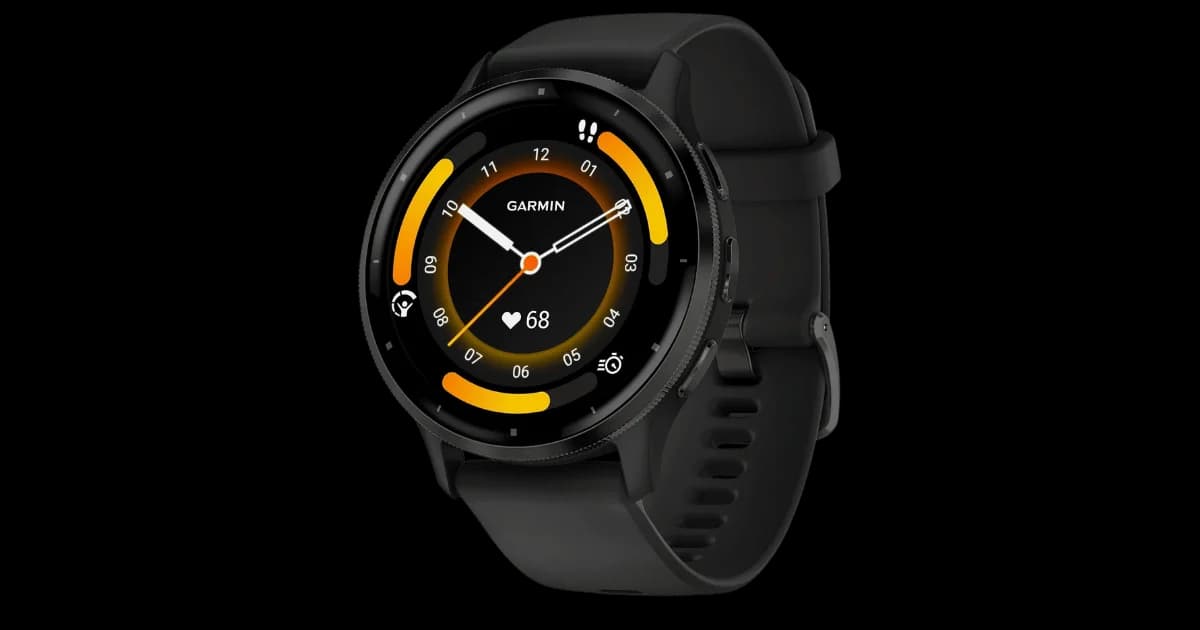
Apple Watch Ultra 2vsGarmin Venu 3
8/10
vs8/10
The Apple Watch Ultra 2's exorbitant price and poor battery life make it hard to recommend, especially if you need long-lasting performance or value. The Garmin Venu 3, while also overpriced, at least offers better battery life and fewer critical flaws like GPS inaccuracy. If you prioritize durability and precise tracking, neither is ideal, but the Venu 3's fewer dealbreakers edge it out. Go for the Garmin Venu 3 unless you're deeply invested in Apple's ecosystem.
Garmin Venu 3Read more
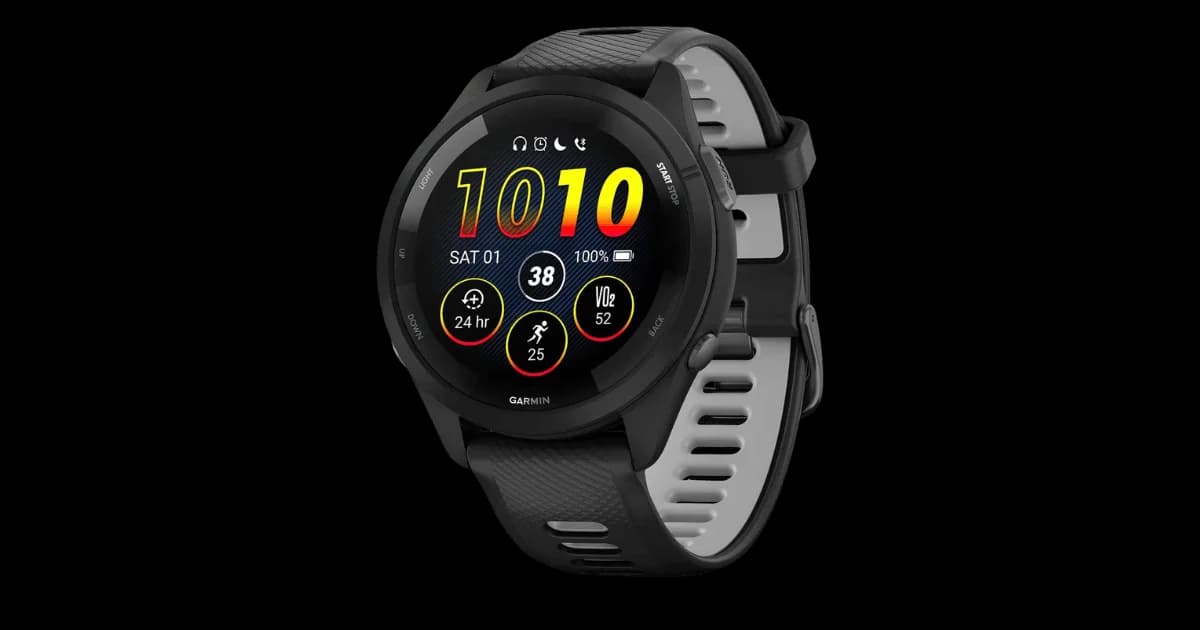
Garmin Forerunner 265vsGarmin Venu 3
7/10
vs8/10
The Garmin Forerunner 265 and Venu 3 both suffer from being overpriced, but the Forerunner 265’s dealbreakers are more manageable. Its sluggish touchscreen and battery drain with AMOLED are issues, but the Venu 3’s poor voice assistant, false nap detection, and poor sunlight visibility make it harder to recommend. If you prioritize a running watch, the Forerunner 265 is the better choice despite its flaws.
Garmin Forerunner 265Read more
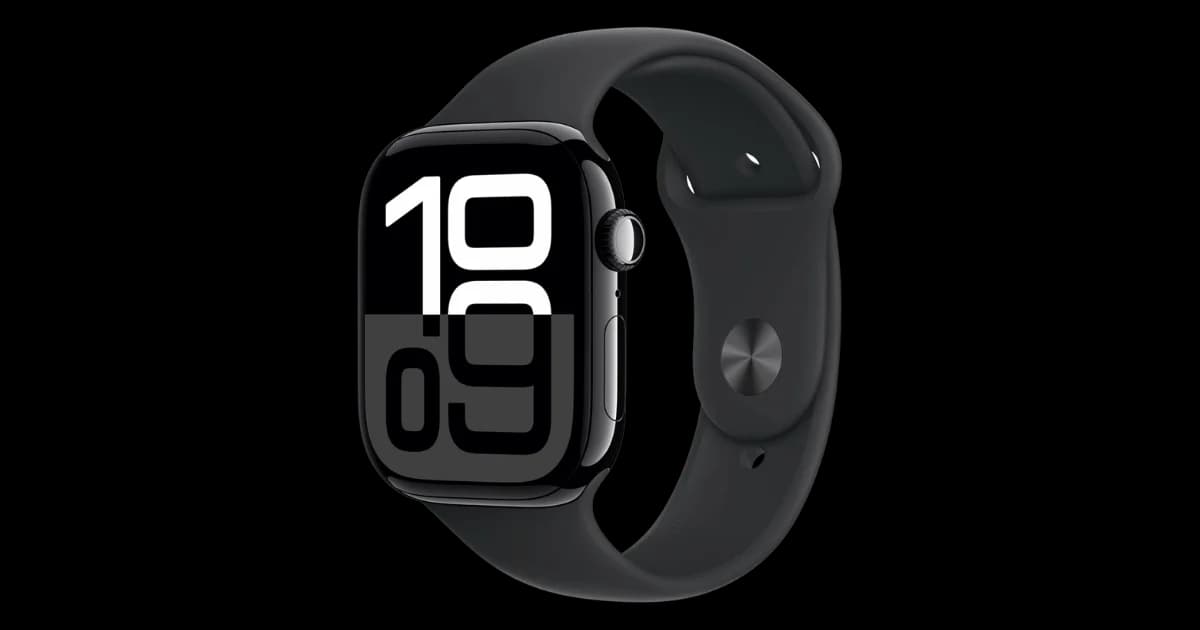
Garmin Forerunner 265vsApple Watch Series 10
7/10
vs8/10
The Garmin Forerunner 265 and Apple Watch Series 10 both have significant dealbreakers, but your choice depends on your priorities. If battery life and durability are critical, the Forerunner 265’s battery drain and sluggish touchscreen may frustrate you, but it’s more durable than the fragile Apple Watch. However, the Apple Watch Series 10’s poor battery life and iPhone-only compatibility make it a tough sell unless you’re deeply embedded in the Apple ecosystem. Ultimately, the Garmin Forerunner 265 edges out slightly for its focus on running and better durability, despite its flaws.
Garmin Forerunner 265Read more
Garmin Venu 3vsApple Watch Series 10
8/10
vs8/10
Both the Garmin Venu 3 and Apple Watch Series 10 have significant dealbreakers, but your choice depends on your priorities. If you value battery life and durability, avoid the Apple Watch Series 10 due to its poor battery and fragile design. However, if you rely on voice commands or outdoor visibility, the Garmin Venu 3’s slow voice assistant and poor sunlight visibility make it a poor choice. Given the trade-offs, neither stands out as a clear winner.
Too close to callRead more

Apple Watch Series 10vsGoogle Pixel Watch 3
8/10
vs8/10
Both the Apple Watch Series 10 and Google Pixel Watch 3 suffer from poor battery life and durability concerns, making them risky purchases. The Apple Watch edges out slightly with its broader iPhone compatibility, while the Pixel Watch’s Pixel-exclusive features limit its appeal. If you’re an iPhone user, the Apple Watch is the better choice, but Android users should look elsewhere. Neither is a standout option for those needing all-day battery life or rugged durability.
Apple Watch Series 10Read more
Google Pixel Watch 3vsFitbit Sense 2
8/10
vs9/10
Both the Pixel Watch 3 and Fitbit Sense 2 have glaring flaws, but the Pixel Watch 3's dealbreakers are slightly more manageable. The Sense 2's dying ecosystem and premium paywall are severe long-term risks, while the Pixel Watch 3's battery life and Pixel lock-in are more situational. If you own a Pixel phone and can tolerate daily charging, the Pixel Watch 3 is the lesser evil. Otherwise, avoid both unless you're desperate for a budget smartwatch.
Google Pixel Watch 3Read more
Google Pixel Watch 3vsSamsung Galaxy Watch FE
8/10
vs8/10
Both the Google Pixel Watch 3 and Samsung Galaxy Watch FE have significant flaws, but their dealbreakers cater to different needs. If you prioritize battery life and compatibility with non-Pixel devices, the Galaxy Watch FE is the lesser evil despite its outdated hardware and inaccurate health metrics. However, if you’re tied to the Pixel ecosystem and can tolerate poor battery life, the Pixel Watch 3 offers better integration. For most users, the Galaxy Watch FE is the better choice due to its lower price and broader compatibility.
Samsung Galaxy Watch FERead more
Google Pixel Watch 3vsApple Watch SE (2nd Gen)
8/10
vs8/10
Both the Google Pixel Watch 3 and Apple Watch SE (2nd Gen) have glaring flaws, but the Pixel Watch's terrible battery life and Pixel-exclusive lock-in are harder to overlook. The Apple Watch SE, while outdated and missing key health sensors, at least delivers reliable performance and broader compatibility. If you're deep in the Apple ecosystem, the SE is the lesser evil—just don't expect cutting-edge features. For everyone else, neither is a standout choice.
Apple Watch SE (2nd Gen)Read more
Fitbit Sense 2vsSamsung Galaxy Watch FE
9/10
vs8/10
Both the Fitbit Sense 2 and Samsung Galaxy Watch FE have significant flaws, but the Fitbit's dying ecosystem and premium paywall make it a riskier long-term investment. The Galaxy Watch FE's outdated hardware and inaccurate health metrics are concerning, but its lower price and broader Wear OS compatibility give it slight edge. If you prioritize health tracking, neither is ideal, but the Watch FE at least avoids Fitbit's subscription model. Go with the Galaxy Watch FE if you must choose, but consider waiting for better options.
Samsung Galaxy Watch FERead more
Fitbit Sense 2vsApple Watch SE (2nd Gen)
9/10
vs8/10
Both the Fitbit Sense 2 and Apple Watch SE (2nd Gen) have significant dealbreakers, but the Fitbit's dying ecosystem and premium paywall make it a riskier investment. The Apple Watch SE, while outdated, offers better long-term support and a more reliable ecosystem despite missing advanced health sensors and an always-on display. If you prioritize durability and usability, the Apple Watch SE is the better choice.
Apple Watch SE (2nd Gen)Read more
Samsung Galaxy Watch FEvsApple Watch SE (2nd Gen)
8/10
vs8/10
Both the Samsung Galaxy Watch FE and Apple Watch SE (2nd Gen) have significant flaws, but the dealbreakers differ. The Galaxy Watch FE’s outdated hardware and inaccurate health metrics make it unreliable for performance or fitness tracking. The Apple Watch SE lacks modern features like an always-on display and advanced health sensors, but its ecosystem integration remains strong. If you prioritize health tracking accuracy, avoid the Galaxy Watch FE; if you want seamless Apple integration and don’t mind missing features, the Apple Watch SE is the better choice.
Apple Watch SE (2nd Gen)Read more
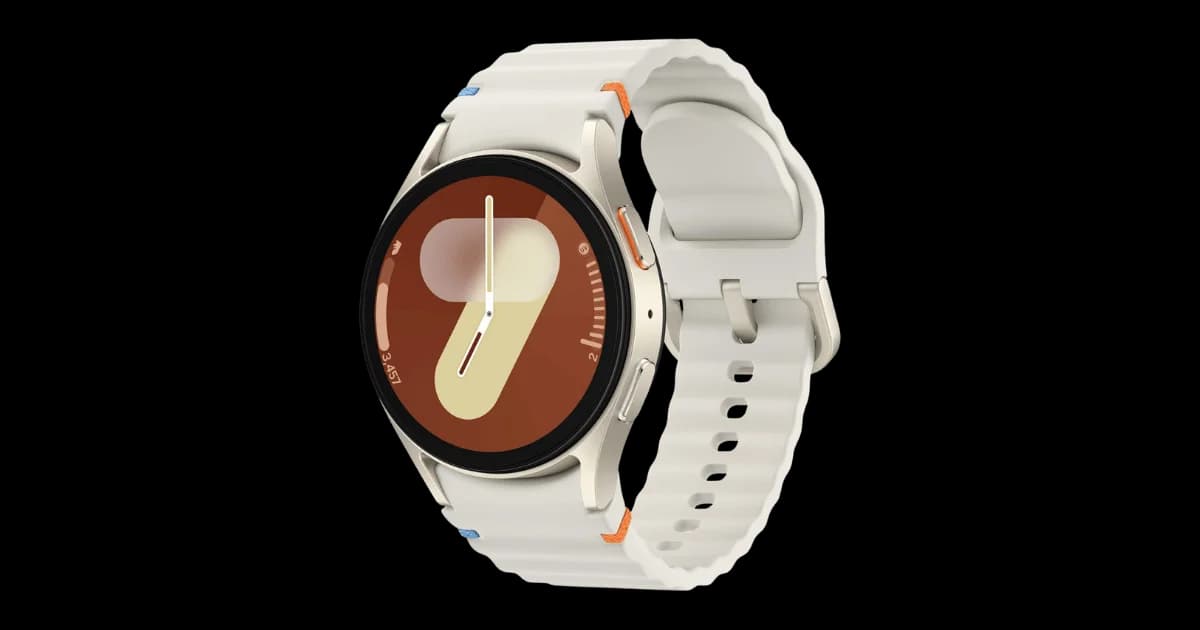
Samsung Galaxy Watch FEvsSamsung Galaxy Watch 7
8/10
vs8/10
Both the Galaxy Watch FE and Watch 7 suffer from high-risk dealbreakers, but the Watch FE's outdated hardware and inaccurate health metrics make it a worse value at nearly $180. The Watch 7's poor battery life and inconsistent tracking are frustrating, but its lower price softens the blow. If you must choose, go with the Watch 7 - just don't expect reliable health data or all-day endurance.
Samsung Galaxy Watch 7Read more
Apple Watch Ultra 2vsApple Watch Series 10
8/10
vs8/10
Both the Apple Watch Ultra 2 and Series 10 suffer from poor battery life and durability issues, but the Ultra 2’s exorbitant price and bulk make it harder to justify despite its slightly better battery life. The Series 10’s lower price and thinner design may appeal to casual users, but its fragility and shorter battery life are significant drawbacks. If you prioritize affordability, go for the Series 10, but if you need slightly better battery life and can handle the size, the Ultra 2 might be worth considering.
Apple Watch Series 10Read more
Wireless Headphones
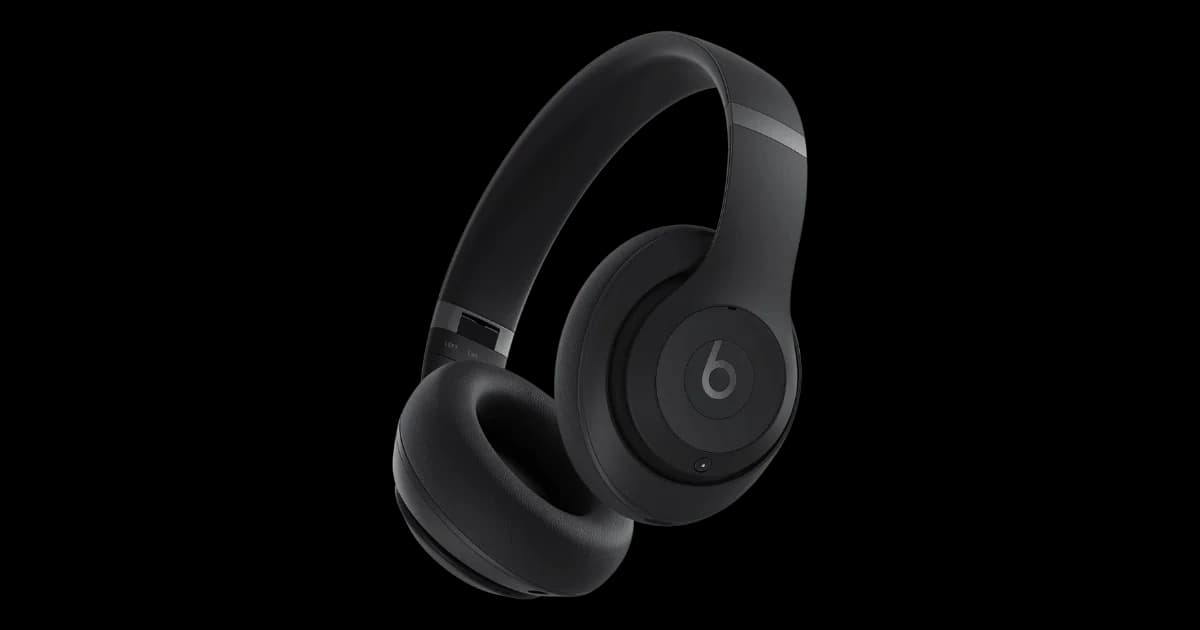
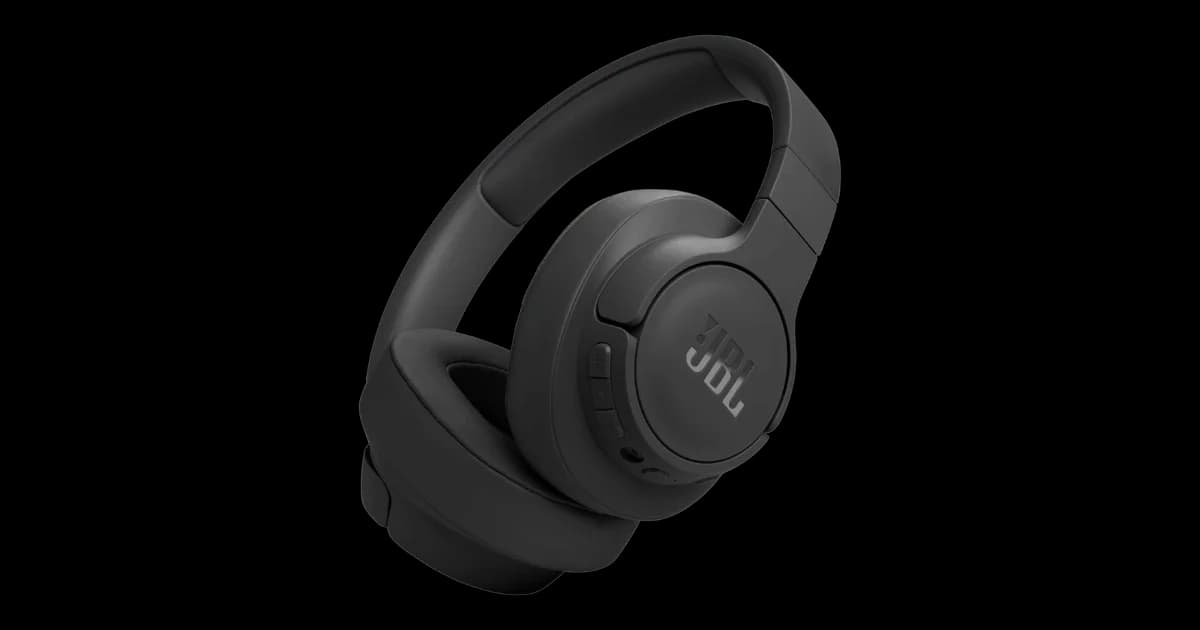
Beats Studio ProvsJBL Tune 770NC
7/10
vs8/10
Both the Beats Studio Pro and JBL Tune 770NC struggle with significant flaws, but the Beats’ painful clamping force and fragile hinge design make it a worse choice for comfort and durability. The JBL’s weak ANC and cheap plastic build are major drawbacks, but its lower price slightly softens the blow. If you prioritize comfort and build quality, neither is ideal, but the JBL edges out slightly due to its affordability.
JBL Tune 770NCRead more
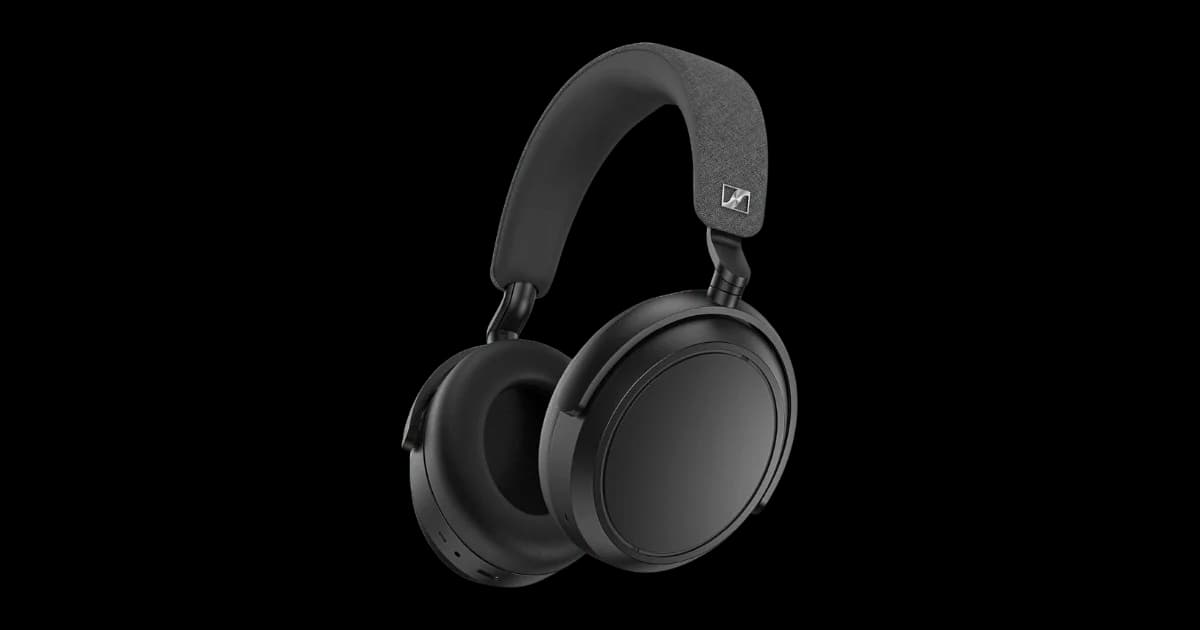
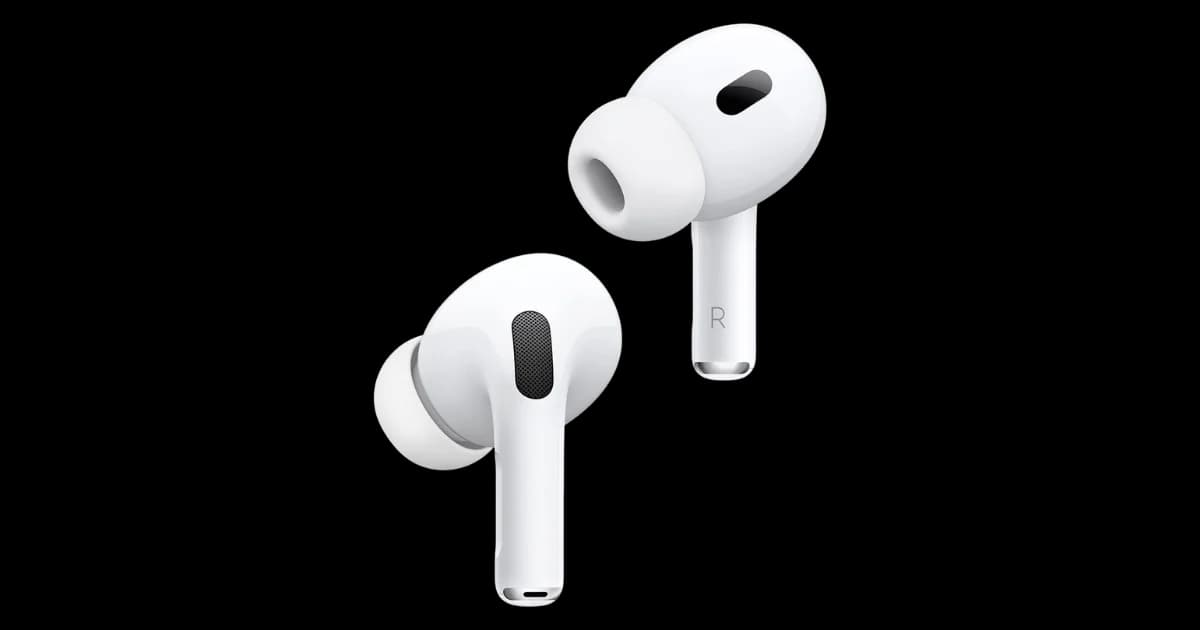
Sennheiser Momentum 4 WirelessvsApple AirPods Pro 2 (USB-C)
8/10
vs8/10
The Sennheiser Momentum 4 Wireless disappoints with weak ANC, frustrating touch controls, and a cheap plastic build, making it hard to justify its high price. The Apple AirPods Pro 2 (USB-C) offers better ANC but suffers from ear tip degradation, rattling noises, and ecosystem lock-in, limiting its appeal outside Apple devices. If ANC is your priority and you're in the Apple ecosystem, the AirPods Pro 2 are the lesser evil, but neither is a standout choice. Go for the AirPods Pro 2 only if you can tolerate its flaws; otherwise, consider alternatives.
Apple AirPods Pro 2 (USB-C)Read more
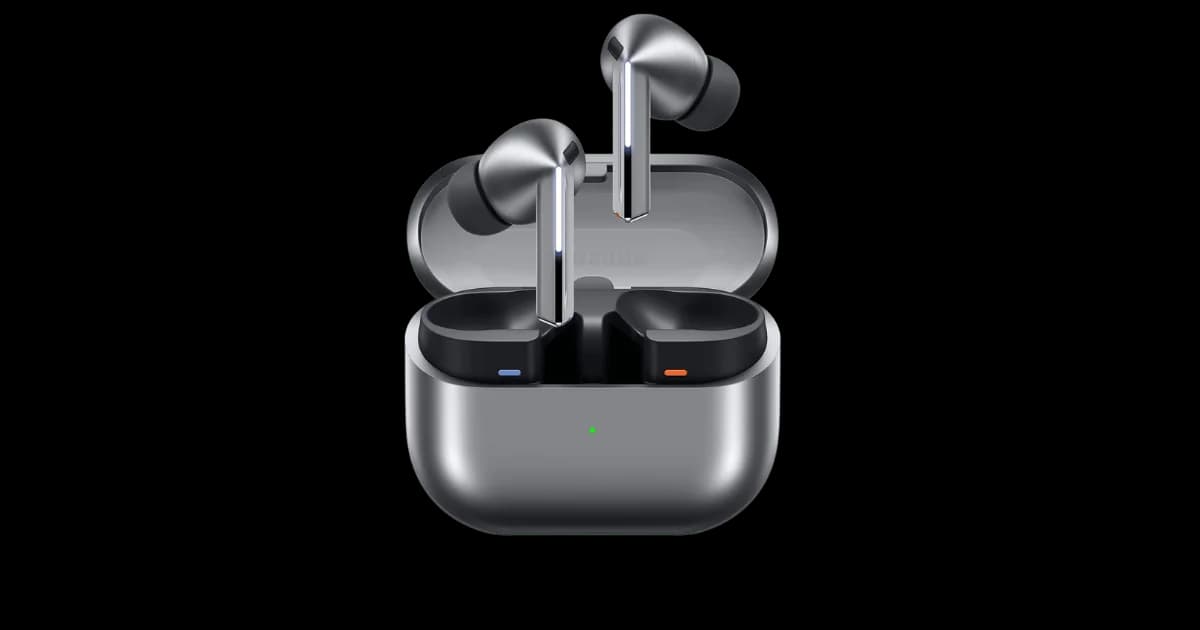
Sennheiser Momentum 4 WirelessvsSamsung Galaxy Buds 3 Pro
8/10
vs8/10
Both the Sennheiser Momentum 4 Wireless and Samsung Galaxy Buds 3 Pro are overpriced with significant dealbreakers. For headphones, the Momentum 4's weak ANC and frustrating touch controls are major drawbacks, while the Buds 3 Pro's painful blade design and Galaxy-only codec are equally problematic. If ANC and comfort are priorities, neither is ideal, but the Momentum 4 edges out slightly due to its broader compatibility. Choose the Momentum 4 if you must pick, but consider alternatives.
Sennheiser Momentum 4 WirelessRead more
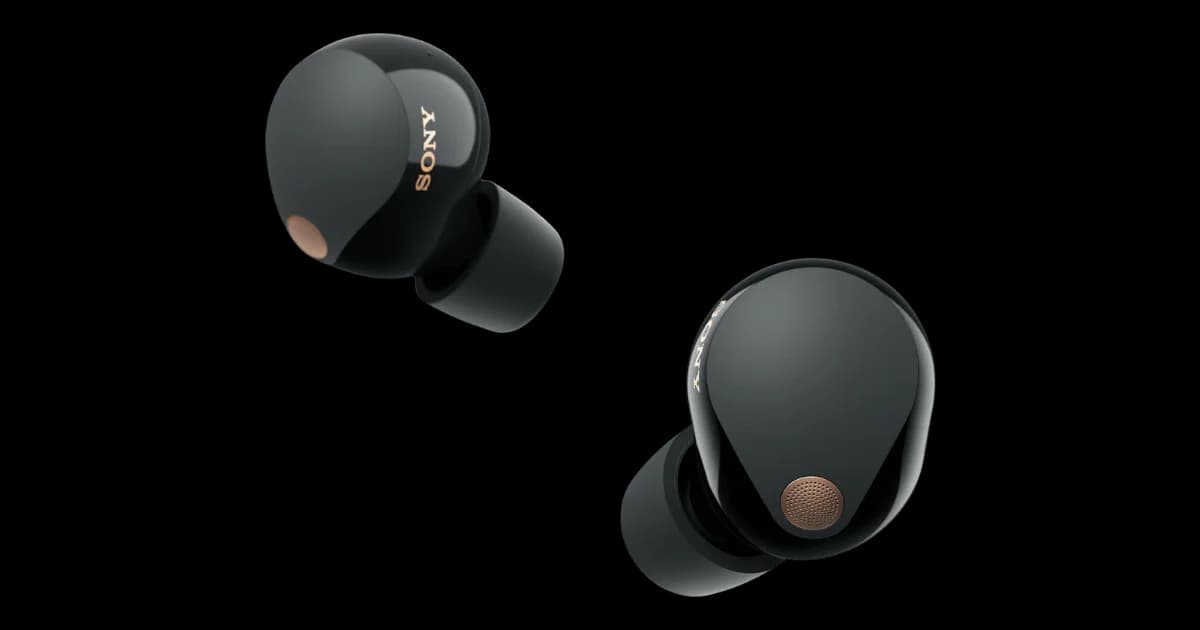
Sony WF-1000XM5vsApple AirPods Pro 2 (USB-C)
8/10
vs8/10
Both the Sony WF-1000XM5 and Apple AirPods Pro 2 suffer from high-risk dealbreakers, but the Sony’s Bluetooth drops and LDAC stuttering are more disruptive to daily use than Apple’s ANC rattling and ecosystem lock-in. While both have poor ear tip durability, Sony’s flimsy case and uneven battery drain add to its frustrations. If you’re not tied to Apple’s ecosystem, the AirPods Pro 2 edge out slightly due to fewer connectivity issues. However, neither is a clear winner given their compromises.
Apple AirPods Pro 2 (USB-C)Read more
Sony WF-1000XM5vsSamsung Galaxy Buds 3 Pro
8/10
vs8/10
Both the Sony WF-1000XM5 and Samsung Galaxy Buds 3 Pro disappoint for their premium prices, but dealbreakers differ. The Sony's Bluetooth drops and tip degradation make it unreliable for travel or long-term use, while the Samsung's painful blade design and Galaxy-only codec lockout ruin comfort and functionality for non-Samsung users. If you prioritize connectivity, avoid the Sony; if comfort and cross-platform use matter, skip the Samsung. Neither earns a strong recommendation at these prices.
Too close to callRead more
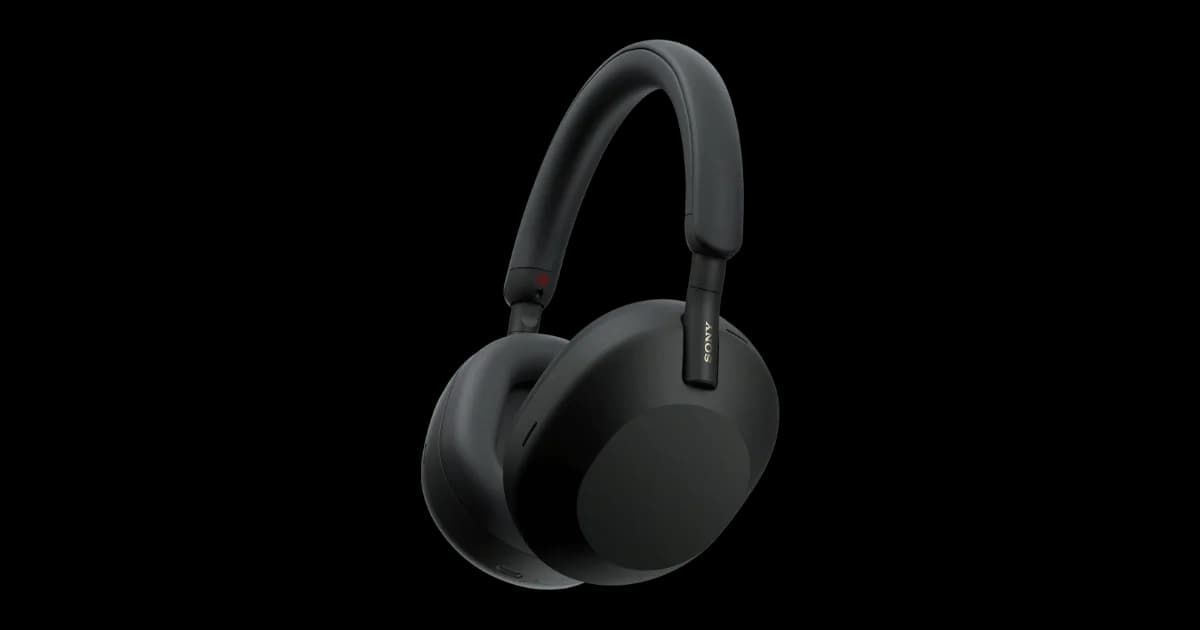
Sony WH-1000XM5vsApple AirPods Pro 2 (USB-C)
8/10
vs8/10
Both the Sony WH-1000XM5 and Apple AirPods Pro 2 have significant durability issues, but the dealbreakers differ. The Sony's fragile headband and lack of portability make it a poor choice for those prioritizing robustness and convenience, while the AirPods Pro 2's ANC rattling and ear tip degradation are major flaws for noise cancellation enthusiasts. If you're deeply embedded in Apple's ecosystem and prioritize portability, the AirPods Pro 2 might edge out, but otherwise, neither product is a clear winner.
Too close to callRead more
Sony WH-1000XM5vsSamsung Galaxy Buds 3 Pro
8/10
vs8/10
Both the Sony WH-1000XM5 and Samsung Galaxy Buds 3 Pro have significant dealbreakers, but the choice depends on your priorities. If portability and durability are critical, avoid the Sony due to its fragile headband and rigid design. However, if you’re not a Samsung user, the Galaxy Buds 3 Pro’s Galaxy-only codec and painful blade design make them a poor choice. For most users, the Sony WH-1000XM5 edges out as the better option despite its flaws.
Sony WH-1000XM5Read more
Sony WH-1000XM5vsSony WF-1000XM5
8/10
vs8/10
Both Sony WH-1000XM5 and WF-1000XM5 have significant dealbreakers, but the WH-1000XM5’s fragile headband and lack of portability are harder to overlook than the WF-1000XM5’s Bluetooth drops and tip durability issues. If you prioritize durability and portability, neither is ideal, but the WF-1000XM5’s smaller form factor and lower price make it the slightly better choice. Choose based on whether you prefer headphones or earbuds, but expect compromises with either.
Sony WF-1000XM5Read more
Sony WH-1000XM5vsSennheiser Momentum 4 Wireless
8/10
vs8/10
Both the Sony WH-1000XM5 and Sennheiser Momentum 4 Wireless have glaring flaws, but the Momentum 4's weak ANC and frustrating touch controls are harder to overlook than the Sony's fragile build. If you prioritize noise cancellation and durability, neither is ideal, but the Sony's superior ANC gives it a slight edge. However, if you can tolerate finicky controls and want better portability, the Sennheiser's folding design might appeal. For most users, the Sony is the lesser of two evils—just handle it with care.
Sony WH-1000XM5Read more
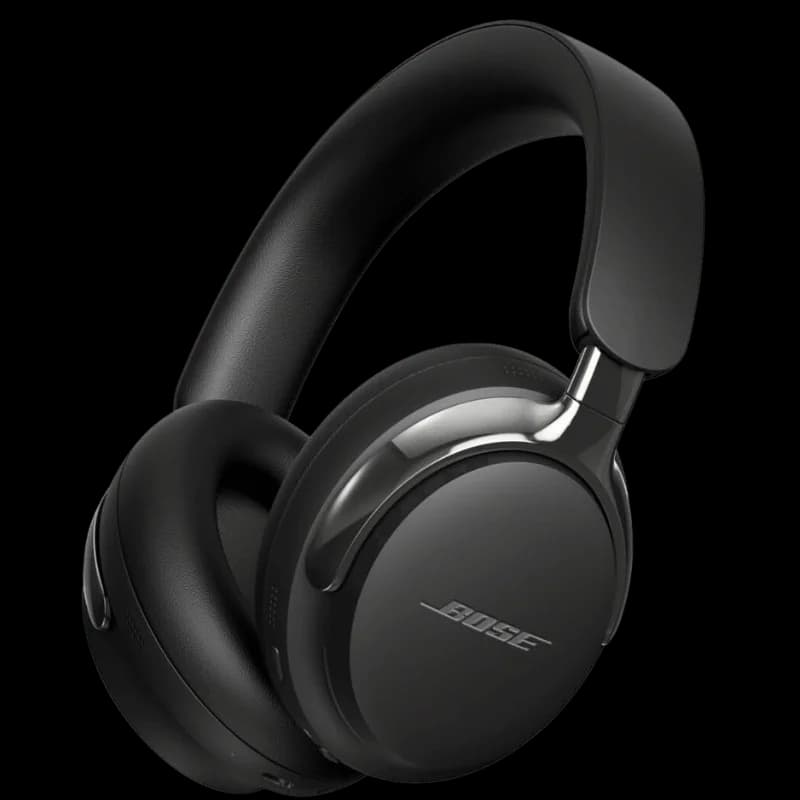
Sony WH-1000XM5vsBose QuietComfort Ultra Headphones
8/10
vs8/10
Both the Sony WH-1000XM5 and Bose QuietComfort Ultra have glaring flaws, but the Bose's battery drain and ANC hissing are more disruptive to daily use than Sony's fragile build and touch controls. If you prioritize sound quality over durability, the Sony's superior noise cancellation might justify its higher price. However, if battery life and silent ANC are non-negotiable, avoid the Bose. For most users, neither is a clear winner—consider waiting for updated models or alternatives.
Too close to callRead more
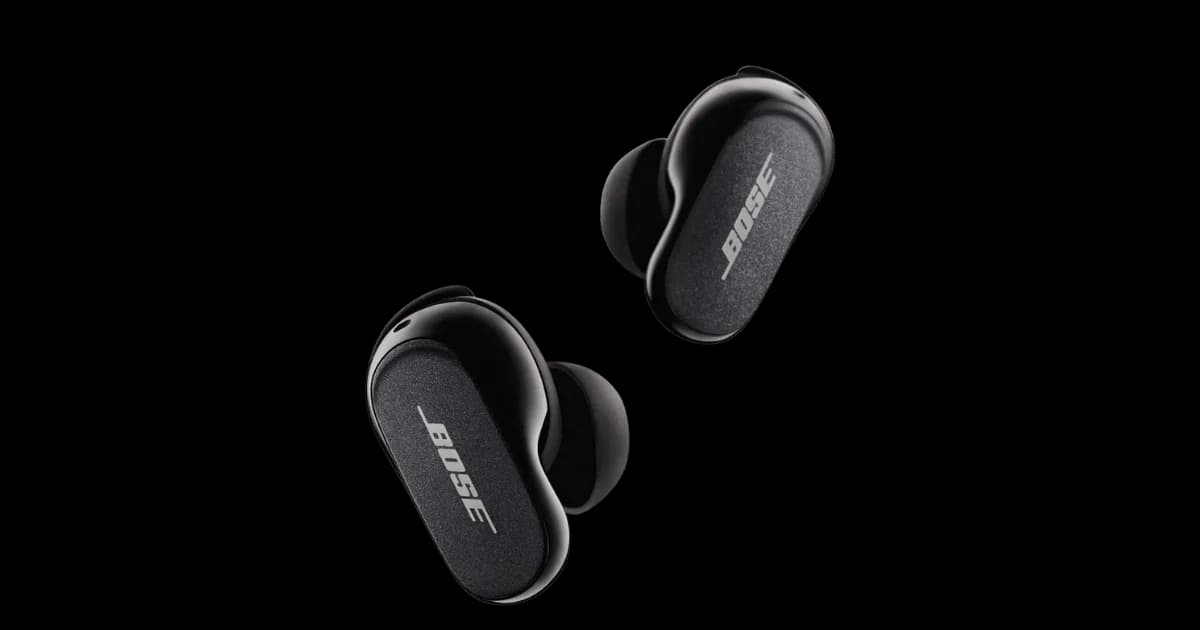
Sony WH-1000XM5vsBose QuietComfort Earbuds II
8/10
vs8/10
Both the Sony WH-1000XM5 and Bose QuietComfort Earbuds II have glaring flaws for their premium prices. The Sony's fragile headband and lack of portability are major drawbacks, while the Bose's ear tip durability and sound quality drop at low volumes are equally concerning. If you prioritize over-ear comfort, the Sony might edge out, but the Bose wins for portability despite its bulk. Neither is a slam-dunk, but the Bose's lower price and fewer critical flaws make it the slightly better choice.
Bose QuietComfort Earbuds IIRead more
Sennheiser Momentum 4 WirelessvsSony WF-1000XM5
8/10
vs8/10
Both the Sennheiser Momentum 4 Wireless and Sony WF-1000XM5 have significant dealbreakers for their price, but the Sony earbuds edge slightly ahead. The Momentum 4’s weak ANC and frustrating touch controls are major drawbacks, while the WF-1000XM5’s Bluetooth drops and poor tip durability are equally problematic. If ANC and usability are your priorities, neither is ideal, but the Sony WF-1000XM5 is the lesser of two evils due to its superior ANC performance.
Sony WF-1000XM5Read more
Sennheiser Momentum 4 WirelessvsBose QuietComfort Ultra Headphones
8/10
vs8/10
Both the Sennheiser Momentum 4 Wireless and Bose QuietComfort Ultra Headphones struggle with significant dealbreakers. If noise cancellation is crucial, the Bose's ANC hissing is a major flaw, while the Sennheiser's weak ANC and frustrating touch controls make it equally problematic. However, the Bose's battery drain and headband pain edge it slightly worse. For a less frustrating experience, the Sennheiser Momentum 4 Wireless is the slightly better choice.
Sennheiser Momentum 4 WirelessRead more
Sony WF-1000XM5vsBose QuietComfort Ultra Headphones
8/10
vs8/10
Both the Sony WF-1000XM5 and Bose QuietComfort Ultra Headphones have significant dealbreakers for their premium price tags. The Sony earbuds suffer from poor tip durability and unreliable Bluetooth connectivity, while the Bose headphones have battery drain issues and audible ANC hissing. If you prioritize portability, the Sony earbuds might edge out slightly, but neither product justifies its cost. We recommend looking for alternatives unless these dealbreakers don’t affect your usage.
Too close to callRead more
Sony WF-1000XM5vsBose QuietComfort Earbuds II
8/10
vs8/10
Both the Sony WF-1000XM5 and Bose QuietComfort Earbuds II are overpriced with significant dealbreakers, but the Sony's Bluetooth drops and tip durability issues are more frustrating for daily use than the Bose's lack of multipoint Bluetooth and sound quality drop. If you prioritize connectivity reliability, avoid the Sony. If you need seamless device switching, skip the Bose. Neither is a standout, but the Bose's flaws are slightly less disruptive for most users.
Bose QuietComfort Earbuds IIRead more
Sennheiser Momentum 4 WirelessvsBose QuietComfort Earbuds II
8/10
vs8/10
Both the Sennheiser Momentum 4 Wireless and Bose QuietComfort Earbuds II have significant dealbreakers, but the Bose earbuds’ issues—like poor ear tip durability and sound quality drop at low volumes—are more impactful for daily use. The Sennheiser headphones, while flawed, offer a more consistent listening experience despite their frustrating controls and weak ANC. If you prioritize durability and sound consistency, the Sennheiser Momentum 4 Wireless is the better choice.
Sennheiser Momentum 4 WirelessRead more
Bose QuietComfort Ultra HeadphonesvsApple AirPods Pro 2 (USB-C)
8/10
vs8/10
Both the Bose QuietComfort Ultra Headphones and Apple AirPods Pro 2 have significant dealbreakers, but the choice depends on your priorities. If battery life and ANC quality are critical, the Bose headphones' battery drain and ANC hissing are major drawbacks. If durability and ecosystem flexibility matter more, the AirPods Pro 2's ear tip degradation and ecosystem lock-in are concerning. For most users, the AirPods Pro 2 edges out slightly due to its lower price and better portability, though neither is a clear winner.
Apple AirPods Pro 2 (USB-C)Read more
Apple AirPods Pro 2 (USB-C)vsSamsung Galaxy Buds 3 Pro
8/10
vs8/10
Both the AirPods Pro 2 and Galaxy Buds 3 Pro suffer from critical flaws at nearly identical prices. The AirPods' dealbreakers (ear tip degradation, ANC rattling) impact core functionality, while the Buds 3 Pro's blade design causes physical discomfort and its codec lockout cripples audio quality for non-Samsung users. If forced to choose, the AirPods Pro 2 are slightly less painful—literally—but neither delivers good value. Only buy the AirPods if you're deep in Apple's ecosystem and can tolerate replacing tips frequently.
Apple AirPods Pro 2 (USB-C)Read more
Bose QuietComfort Earbuds IIvsApple AirPods Pro 2 (USB-C)
8/10
vs8/10
Both the Bose QuietComfort Earbuds II and Apple AirPods Pro 2 suffer from high-risk durability issues, particularly with ear tips, and are considered overpriced. However, the AirPods Pro 2’s ecosystem lock-in and ANC rattling noise make it a less versatile choice for non-Apple users. If you switch devices often or prioritize sound quality at low volumes, the Bose earbuds might edge out slightly. Still, neither is a clear winner given their dealbreakers.
Too close to callRead more